Printing Instructions:
1. Printing:
After downloading the templates, open the PDF file or files with the title A4 or Letter, depending on the format you wish to use for printing. Use a color laser or inkjet printer for the best results. Regular office white paper is suitable for a laser printer. For an inkjet printer, you will need special paper designed for inkjet printing.
Ensure that all your printer settings, including proportions, are correctly adjusted to match your paper size.
Is the image too large, and you want to make it smaller? Here’s a quick guide on how to adjust the print scale to the size you need:Open the file, press Ctrl + P (or Cmd + P on Mac), find the Scale or Size option, adjust the percentage or select “Fit to Page,” and click Print.
2.Laminating:
After printing, you need to laminate the templates. Use a laminator and laminating film for this process.
If you don’t want to laminate (although we highly recommend doing so), you can use a simple plastic sheet protector. Just place the printed sheet of paper inside, and you can draw directly on the surface of this material.
DISCLAIMER: If you don’t have a printer and laminator, please visit your nearest print shop. It will be much cheaper and faster than waiting for the delivery of a physical product.
Using the Template:
- After completing these steps, you can use the template. If you plan to use acrylic markers for coloring, apply a thin layer of clear top coat or base coat to the design beforehand (so it can be removed after coloring).
- If you are using colored UV gel paints for drawing, there’s no need to apply a top coat or base layer before drawing, as these paints naturally create a removable layer.
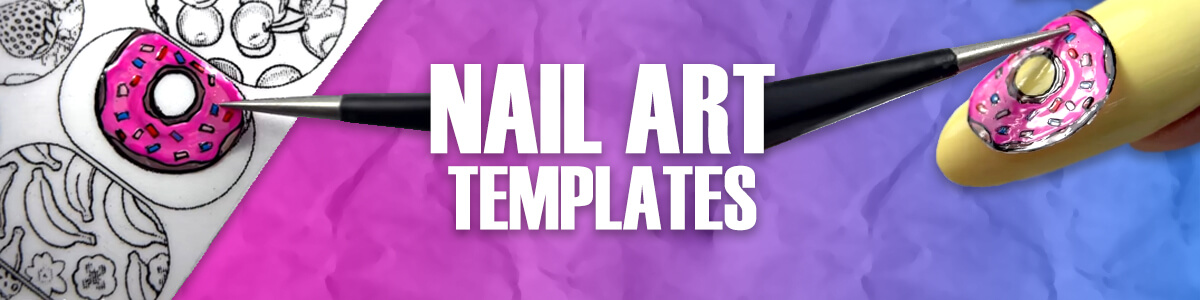
- Once your design is ready, use tweezers or a sharp tool to lift the design layer and transfer it onto the nail. After that, apply a top coat to secure the design.You can watch the short video here:
Remember, practice makes perfect. Our templates are made in high resolution and the best quality. Try different application methods. Experiment and explore other techniques that we have not mentioned here, and perhaps your method will be unique and even more interesting.
We wish you inspiration and a great mood. Create and bring your imagination to life.